For video editors

Video editors aren't being replaced. The way we work is.

Every week there's a new AI tool and another headline about the end of editing. Most of it is noise, and most of it doesn't fit into a real post workflow. I've spent 20 years cutting professionally and the past year building a workflow that does: AI does the prep, you make the cut, and everything lands as a normal project in the NLE you already use.

Learn it live, on your own footage, in four weeks.

Or try Cutler free for 7 days ↗

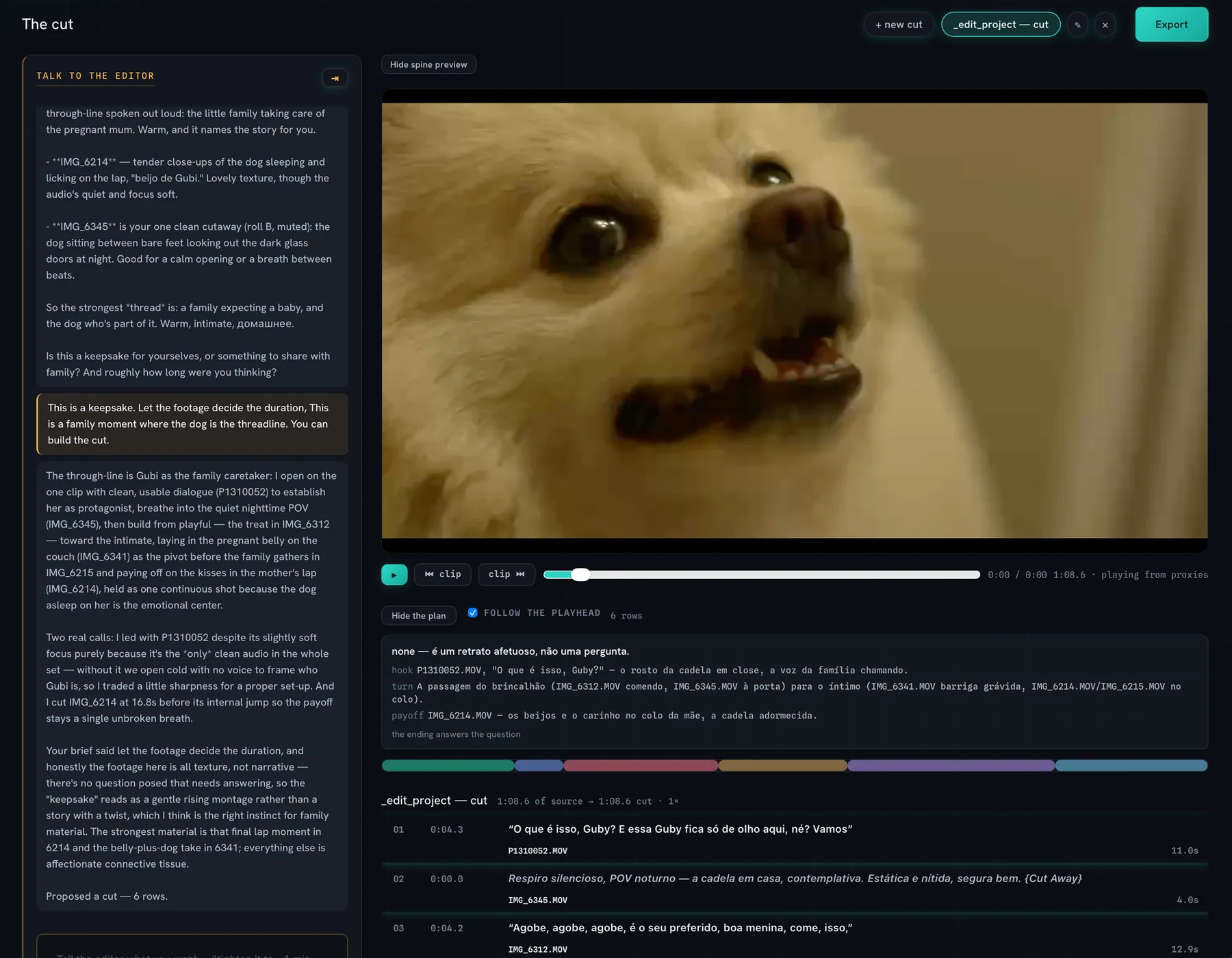
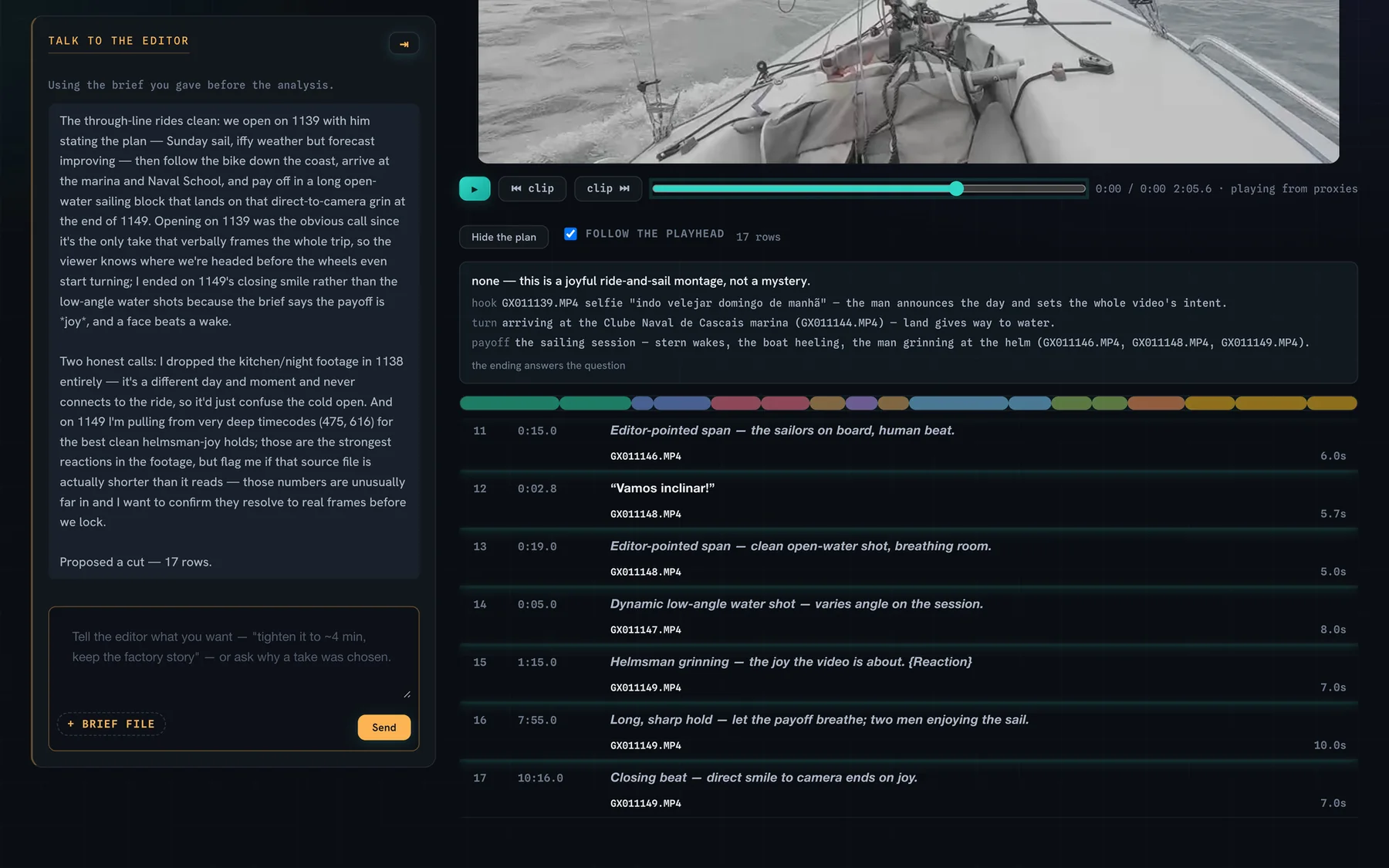
A proposed cut: the conversation, the preview, the plan, and a reason on every row
Cutler: raw footage in, a proposed cut with a reason on every clip, out to your NLE.
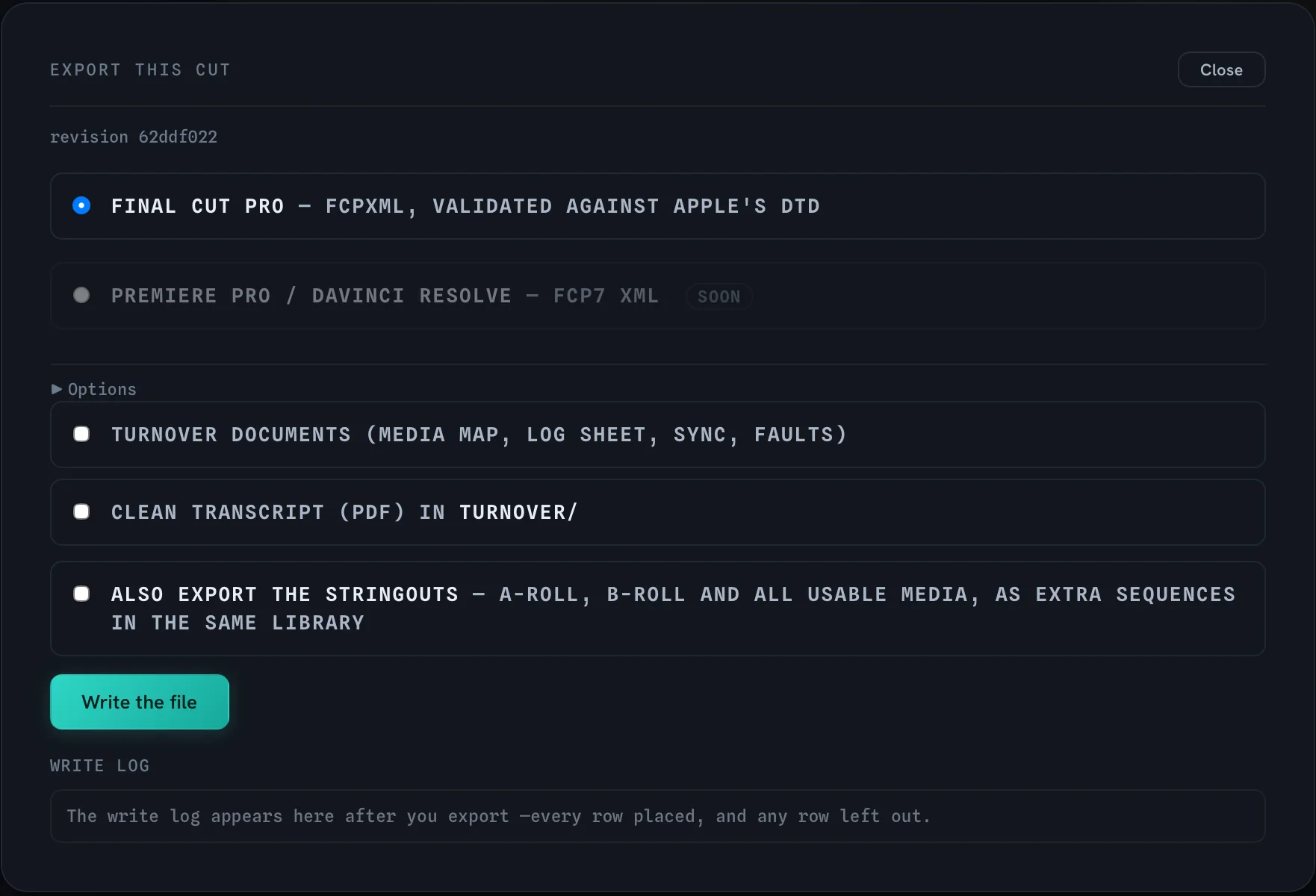
  • Native projectsA real Final Cut, Premiere or Resolve timeline, not an export or a render.
  • Your original mediaNothing re-encoded, nothing generated, nothing replaced.
  • Your machine, your AIIt runs on your Mac, with your own AI account.
  • Your styleTuned to how you cut, not to a template.
The course

The Video Editor's AI Workflow

Faster cuts, not cheaper ones. A live course for video editors.

Edit much faster, and keep full control of every cut. Built to fit the professional workflow you already have: Final Cut, Premiere or Resolve. Your AI. Tuned to your style.

4 live sessions, weeklyThu 19 Nov – Thu 10 Dec 2026Thursdays, 18:30 Lisbon / LondonOn your own footage

Seats open Tue 27 Oct · 12 seats · founding cohort at half price

Half price founding cohort
€145Regular price €290
from cohort two

VAT included · 12 seats · starts Thu 19 Nov

Timed, on real jobs

How much faster.

Two very different kinds of editing. The same workflow underneath.

5 h → 1 hPrep on an interview job. The edit was still mine.
1 month → 1 weekA month of a kids' YouTube channel, graphics and sound effects included, edited in one week.
How it works

AI does the prep. You make the cut.

Real screens, from a real job.

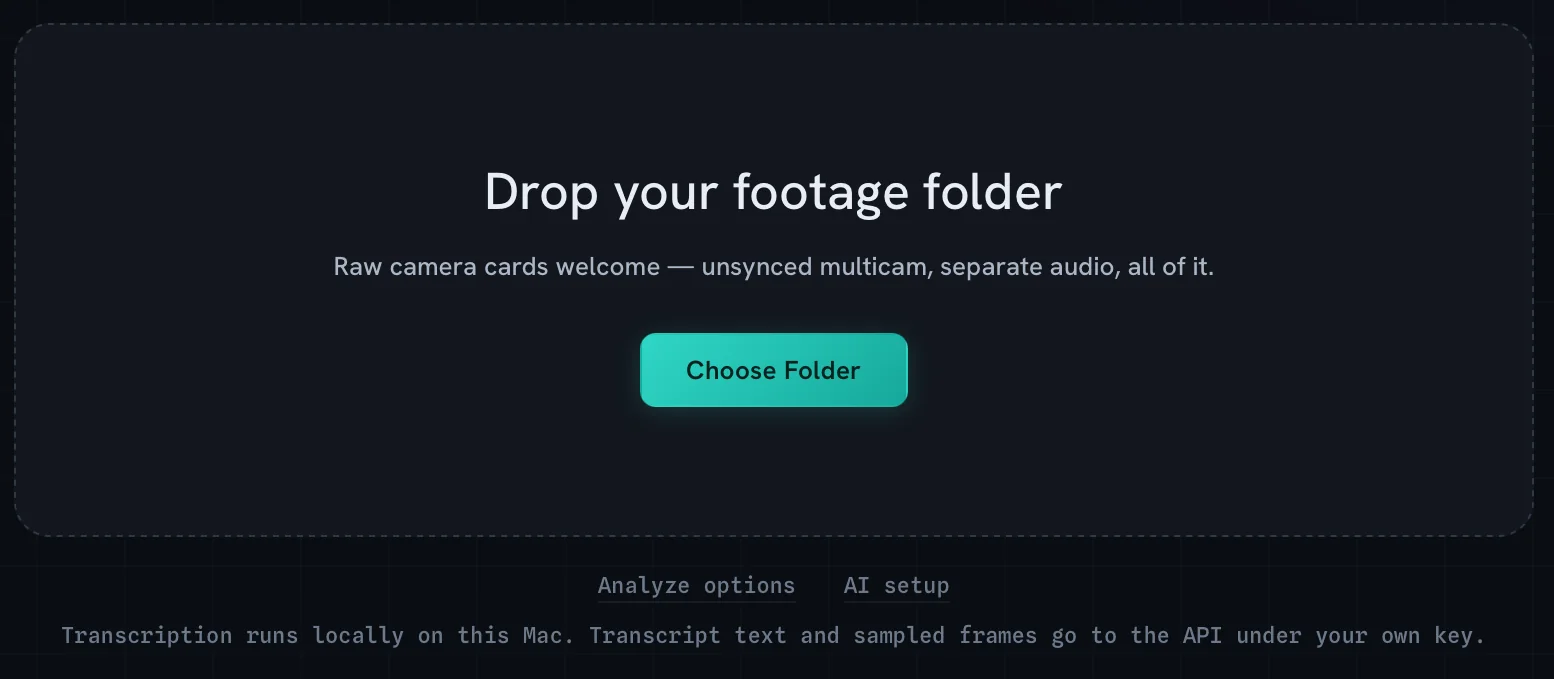
  1. Drop the folder.01 · Footage in

    Drop the folder.

    Raw cards, unsynced multicam, hours of interviews. As it comes off the shoot.

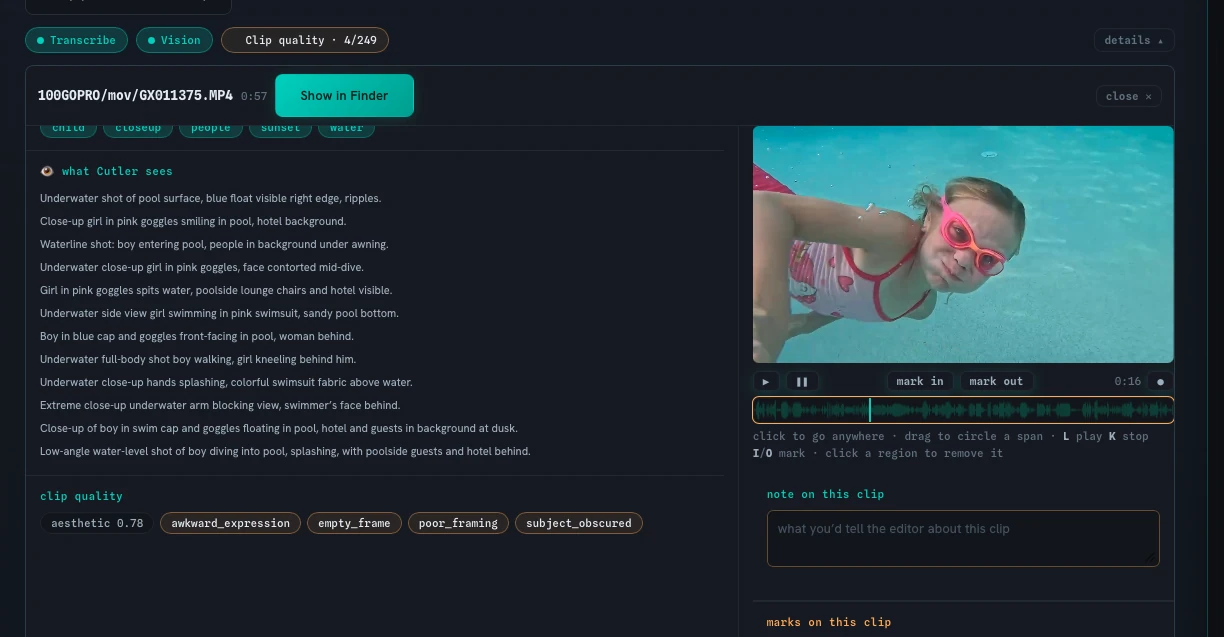
  2. AI does the prep.02 · The prep

    AI does the prep.

    Synced, transcribed, logged. Every clip described and flagged before you sit down.

  3. A proposed cut, with reasons.03 · You decide

    A proposed cut, with reasons.

    Every clip comes with a reason. Keep it, change it or throw it out. Nothing happens without you.

  4. A native project.04 · Your NLE

    A native project.

    Into Final Cut, Premiere or Resolve, on your original media. From here, it's your cut.

The course, in four sessions

From raw footage to scheduled post.

At the pace AI works: you make your first cut in session one.

Session 1Thu 19 Nov · 2 h

From zero to your first AI cut

  • How AI works, and where it fits in a post workflow: what it does well, what it doesn't, and where you stay in charge.
  • Setting up your AI workspace: accounts, plans, usage limits, and how not to run out mid-job.
  • The tools in ten minutes: a quick guide to everything you'll use.

You leave with: Everything installed, and your first AI-assisted cut done.

Session 2Thu 26 Nov · 90 min

Prompting like an editor

  • Deeper prompting: pacing, structure, tone, what to keep and what to drop.
  • Tuning the workflow to your style, so the next cut already sounds like you.
  • Multicam, long interviews, series and batches.

You leave with: One real job, start to finish, with your own before-and-after time.

Session 3Thu 3 Dec · 90 min

Beyond the cut: motion, copy, thumbnails

  • Motion graphics and titles generated from your edit, and placed back in the timeline.
  • Copy from the edit: titles, descriptions and captions in your own voice.
  • Thumbnails from the edit: picking the frame, building the image.

You leave with: One video fully packaged: graphics, copy and thumbnail.

Session 4Thu 10 Dec · 90 min

Publish, and stay ahead

  • Scheduling the posts: one edit, every format and platform, queued.
  • The whole workflow, end to end, on one job, live.
  • Everyone's before-and-after numbers.

You leave with: A workflow from raw footage to scheduled post, and your own numbers.

The full outline →

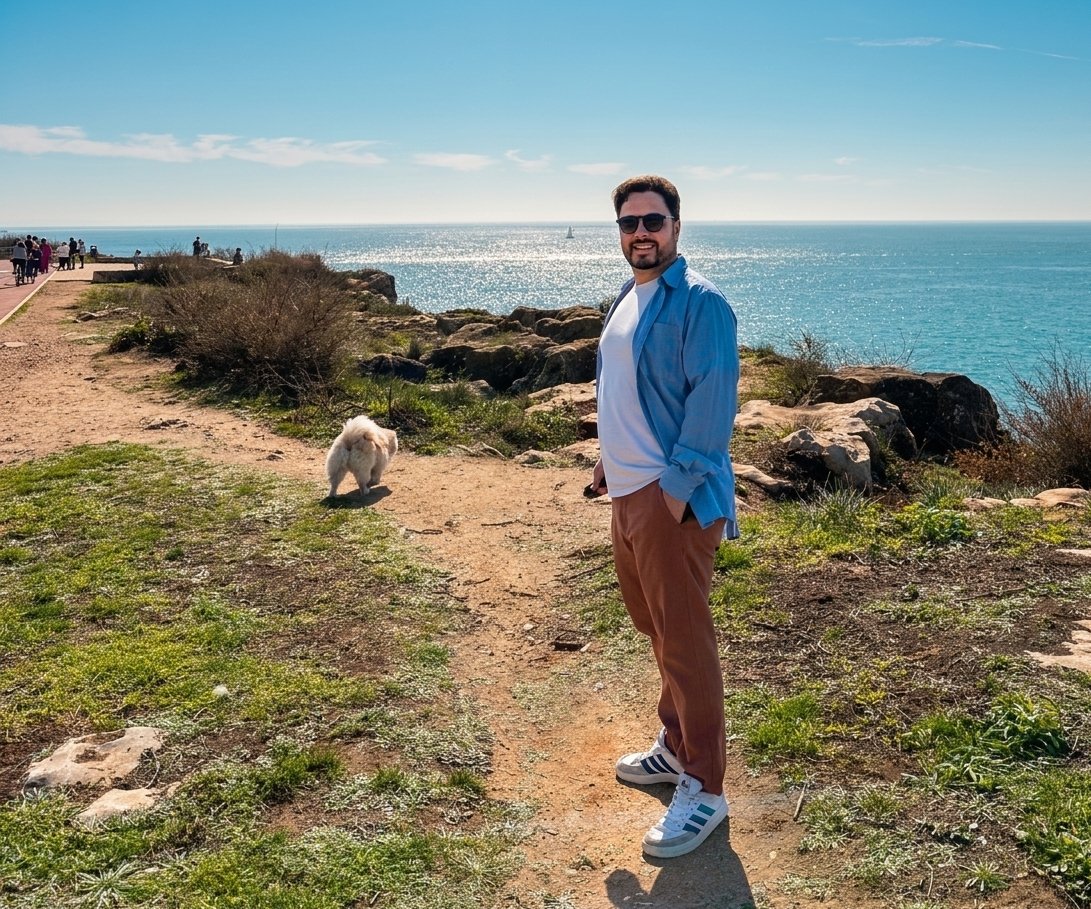
Erik Lindgren on the Cascais coast
Who teaches it

Erik Lindgren

I've edited professionally for more than twenty years: corporate films, brand work, interview series, and lately a kids' YouTube channel packed with graphics and sound effects.

Over the past year I rebuilt how I work around AI, and built Cutler to do it. The prep on an interview job went from five hours to one. A month of the kids' channel took a week. The cut stayed mine. I teach the workflow I use every day, including what didn't work.

  • 20+ yrsediting video professionally
  • 5 h → 1 hprep on an interview job
  • 1 month → 1 weeka kids' channel, graphics and sound effects included

Watch me work, free →

Watch first

See it on real jobs.

Four videos on YouTube, one every Monday until seats close. Real footage, real projects, including what didn't work.

All four videos →